

Adobe adds AI tools to Acrobat for slides & podcasts
Thu, 22nd Jan 2026
Adobe has linked Acrobat and Express more closely and added new generative AI features that create presentations, edit PDFs through chat prompts and produce podcast-style audio summaries from documents.
The company has positioned the update as a single workflow that spans document review, content creation and collaboration. The changes sit inside Acrobat Studio, which Adobe describes as a hub for PDF tools, workspaces and AI assistants.
Presentation tools
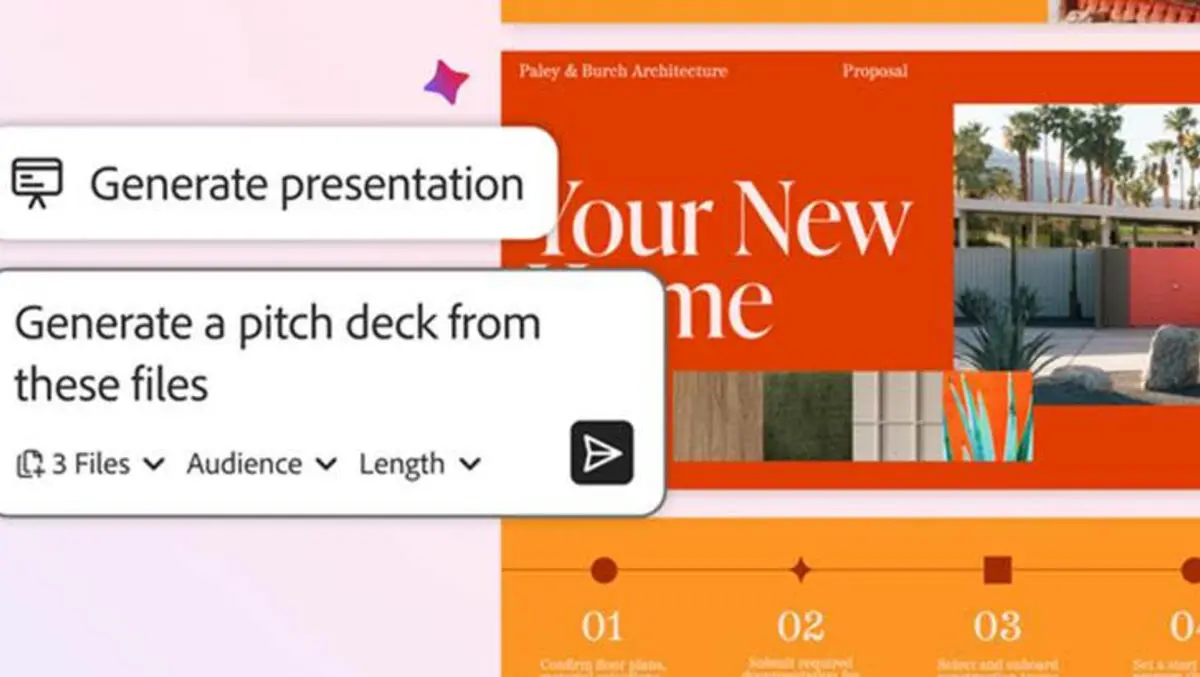
A new Generate presentation feature in Acrobat turns source material into a slide deck. Users can ask an AI assistant to create an outline based on files they supply. Acrobat then hands off design work to Adobe Express and returns a draft presentation.
Adobe said users can set the length and tone of voice for a presentation. It also said people can edit the draft inside Acrobat using Express tools, rather than generating a fresh set of slides each time they make a change.
The workflow draws on a library of presentation templates surfaced from Express. Adobe also highlighted access to Adobe Stock assets as part of the editing process, including imagery and video.
Chat editing

Acrobat also adds chat-based editing for common PDF tasks. Adobe said users can write prompts in natural language and instruct the AI assistant to remove pages, text, comments and images. The assistant can also find and replace words and phrases, and add passwords.
The company said the same interface can handle e-signature related actions. It also updated an in-product Help Panel with chat guidance for step-by-step instructions and troubleshooting.
Podcast summaries
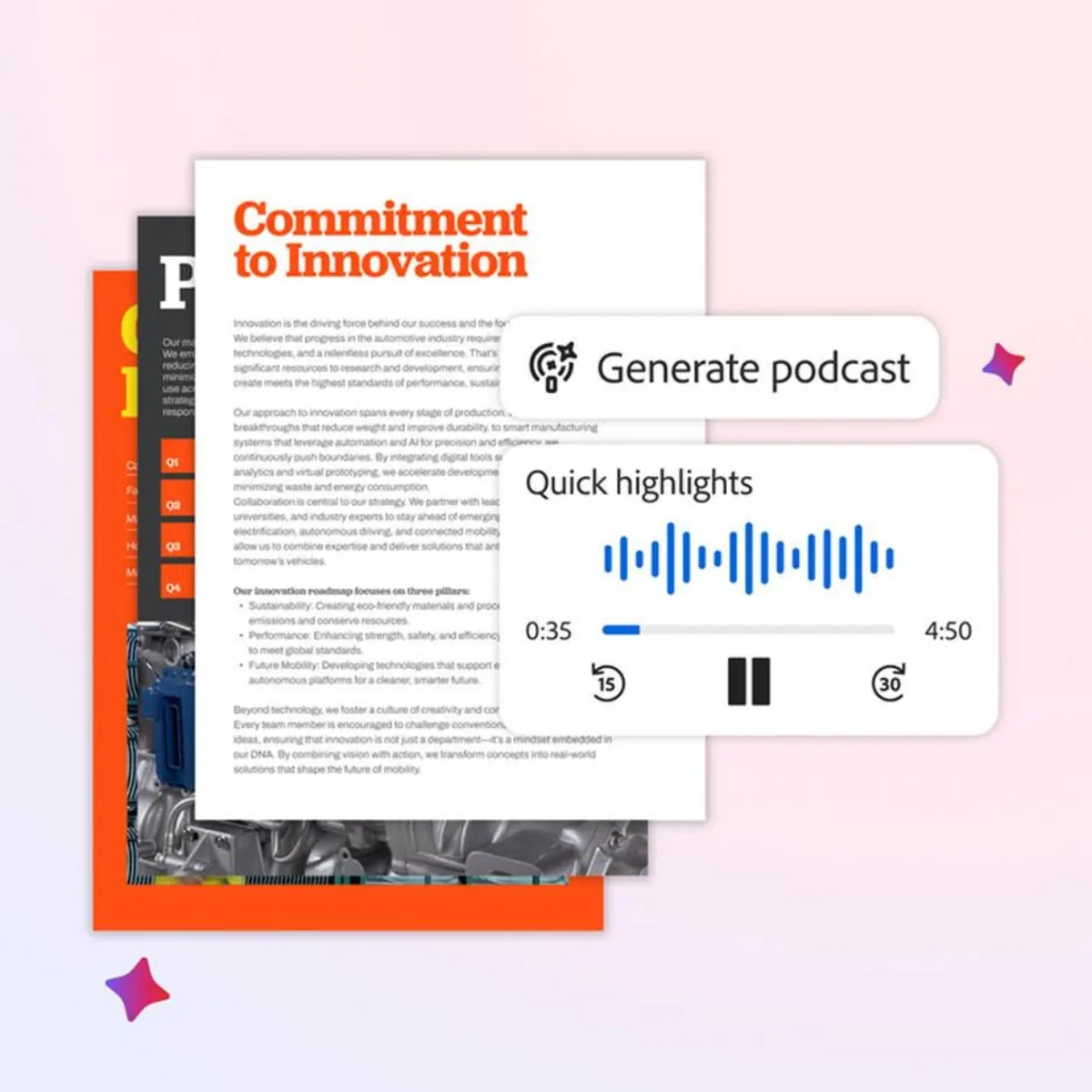
Another new feature, Generate podcast, creates an audio summary from a set of documents. Adobe framed it as a way to work through large volumes of notes, transcripts and long reports when a user does not want to read material on screen.
Users can pull material into a shared workspace in Acrobat, then ask the AI assistant for a podcast-style summary. Adobe said the output targets meeting preparation and can be used away from a desk.
Adobe also described personal uses for the feature. It cited educational guides and local news summaries, and suggested families could compile school newsletters and calendars into a weekly audio update.
PDF Spaces
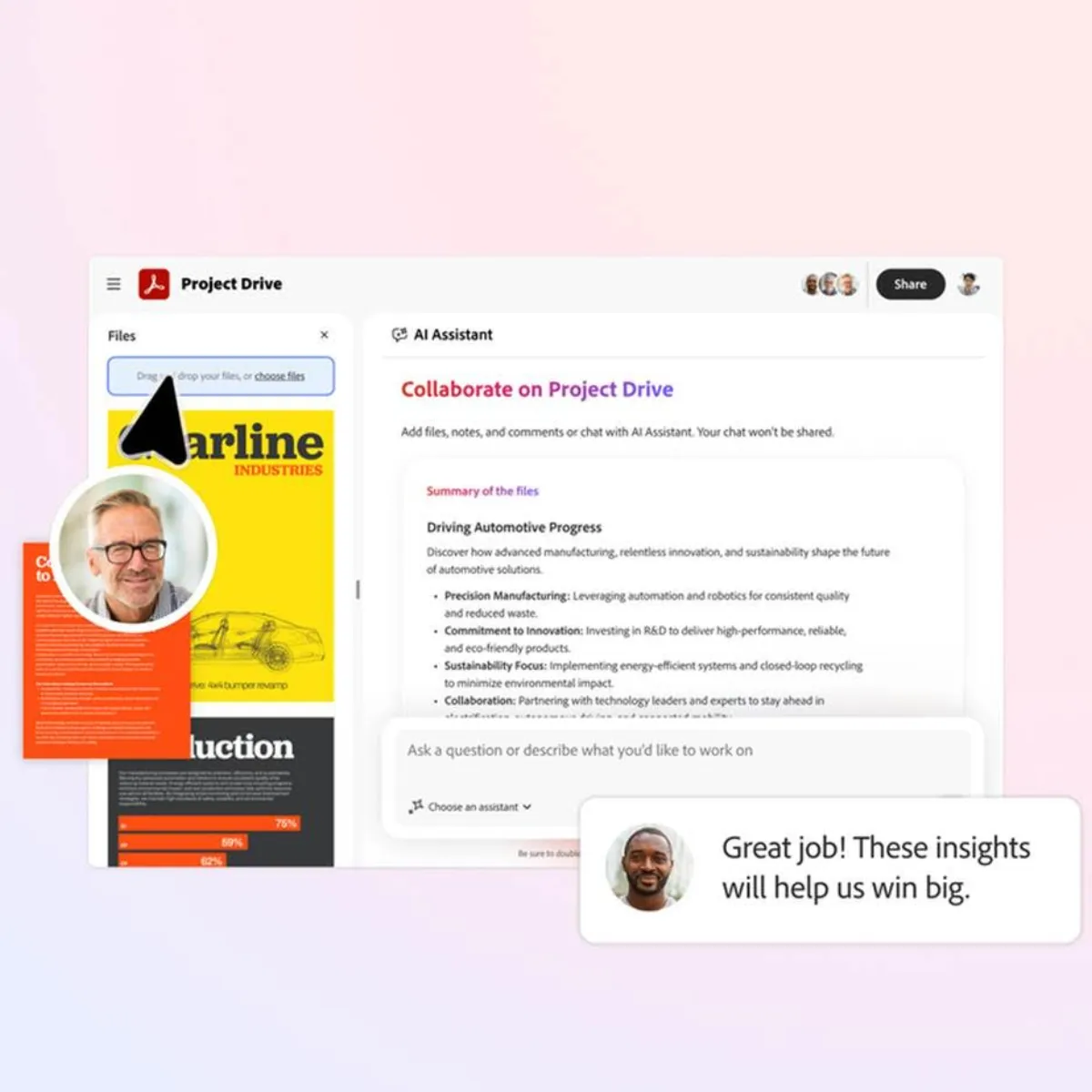
The updates also expand PDF Spaces, which Adobe describes as an AI-driven knowledge hub inside Acrobat. PDF Spaces can hold files and web links and provides a shared area for teams.
Adobe said new collaboration features let users invite others to add files, leave notes and gather comments. The company presented PDF Spaces as a place for clients and colleagues to review material and reach decisions.
In Adobe's examples, a user could assemble financial reports, product sheets and web pages in PDF Spaces, then ask the AI assistant to analyse the material before generating a presentation outline.
Acrobat Studio
Adobe grouped these additions under Acrobat Studio. It said the environment combines PDF tools, workspaces, personalised AI assistants and content creation features that connect to Express.
The company outlined several target use cases. It said sales teams can work with account groups in PDF Spaces and generate pitch decks. It said marketing teams can organise research material and turn it into presentations and other content. It said legal professionals can work on contracts and produce documents, and it highlighted audio summaries for complex updates.
Adobe also pointed to education and household administration, including students working on group projects and parents managing schedules and logistics inside PDF Spaces.
Adobe is expected to expand these workflows further as it continues to embed generative AI across its document and creative software lines.