

Epson touts low-power printer for schools at WATSSA
Tue, 24th Nov 2026 (Today)
Epson used the WATSSA technology conference in Perth to stage a side-by-side comparison between its WorkForce Pro EM-C800 printer and a comparable laser device, focusing on print speed and power use in school office settings.
It also showed two projection products for education and display environments, targeting school technology staff responsible for maintaining equipment across K-12 campuses.
The printer demonstration, branded "Push the Button", placed an Epson Heat-Free business inkjet beside a laser machine and had both produce the same document at the same time. Epson argues this better reflects the short, intermittent print jobs common in schools than standard pages-per-minute measures based on long print runs.
Those jobs often include permission slips, class handouts, student reports and reprinted letters, typically produced in small batches throughout the day from front desks and administration offices. In that environment, Epson says the absence of a fuser in its Heat-Free system allows printing to start immediately rather than waiting for the machine to warm up.
That design also underpins its cost and energy argument. According to Epson, without a fuser to heat, the printer uses less operating power than a comparable colour laser model, a difference it says is relevant for schools under pressure to control budgets and report against environmental targets.
Maintenance is another part of the pitch. Epson says the Heat-Free engine has fewer parts subject to wear, reducing the number of consumables that need replacing and limiting disruption during the school day.
For school ICT teams covering multiple buildings, that could mean fewer service interventions and less equipment waste over a device's operating life. Epson framed the proposition less as a headline purchase decision and more as part of a broader effort to reduce day-to-day running costs across a print fleet.
School focus
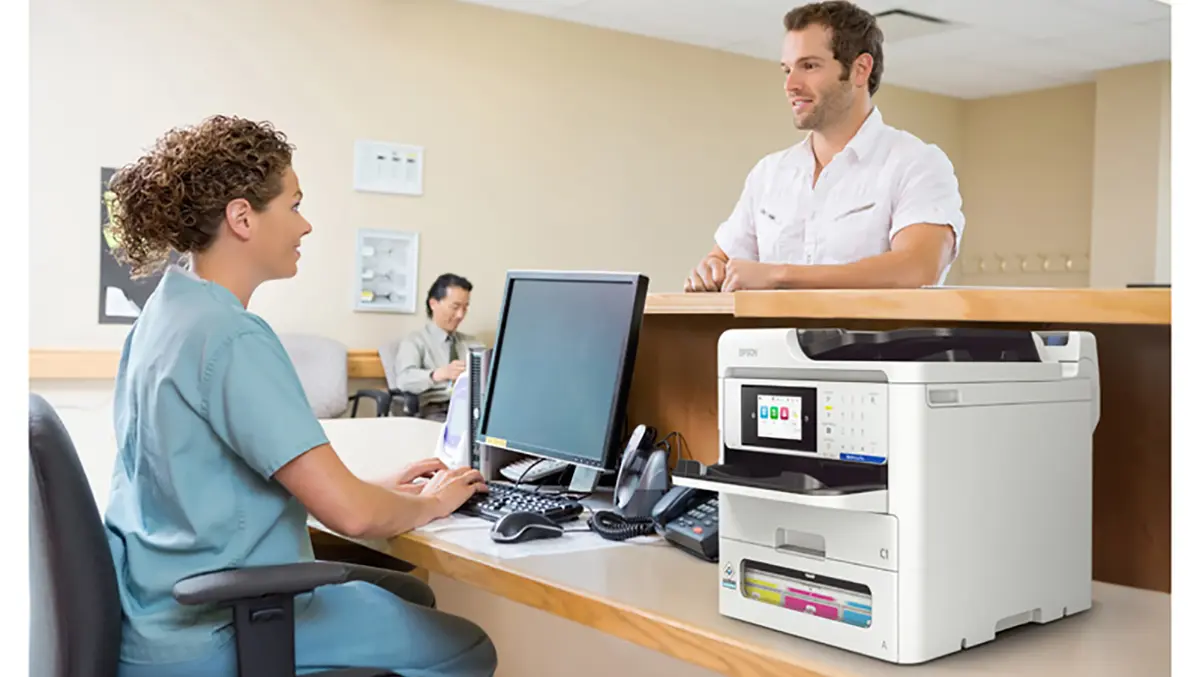
The WorkForce Pro EM-C800 sits at the centre of that message. Epson expects the A4 colour multifunction printer to appeal to ICT staff replacing older departmental machines, particularly where schools want one device to handle printing, scanning, copying and faxing with duplex operation.
This kind of consolidation could allow administration offices to rely less on several separate desktop printers or on trips to a larger copier elsewhere on site. For Business Managers and IT leads, the case rests on cumulative savings through lower power use, fewer service calls and less waste.
That approach reflects the audience at WATSSA, whose members work across government, Catholic and independent schools in technical support, school administration and teaching. Their roles often combine operational troubleshooting with procurement decisions and long-term equipment planning.
Print infrastructure is not always a high-profile investment area in schools, but it becomes more visible when devices fail or consumables costs rise. Epson has positioned its machine as a practical replacement for ageing hardware rather than a specialist purchase.
Projector range
Alongside the printer demonstration, Epson showed the EB-L890E and LightScene EV-115 projectors. The EB-L890E is aimed at larger education and presentation spaces such as lecture halls and conference rooms.
It delivers 8,000 lumens of colour and white brightness and uses WUXGA resolution with 4K Enhancement. Epson says it supports a range of installation requirements through optical zoom, lens shift and 360-degree mounting, while connectivity includes HDMI, HDBaseT and built-in wireless functions.
The model also includes geometric correction tools and support for multi-projector setups with optional accessories. These features place it in the larger-venue projector category rather than among standard classroom units.
The LightScene EV-115 was presented differently, with Epson highlighting its use in digital signage and display settings. The product combines lighting and projection functions and is designed to project onto a wide range of surfaces and materials.
While the two projector products target different use cases, their inclusion broadened Epson's presence beyond office printing into the wider technology estate schools may manage, from assembly and lecture spaces to public-facing display areas.
Epson says schools considering a refresh of ageing print equipment are looking for lower costs, reduced power consumption, fewer service calls and less waste. It adds that a more efficient, centrally managed fleet can reduce the burden on both budgets and ICT teams while supporting sustainability goals.